


Most guides to video review software open with a list of tools. That is useful only if you already know what your process should look like, and most teams do not, because the process was never designed. It accumulated.
A round of notes gets added here, a client CC'd there, a naming convention invented under deadline pressure. It works until a project has four stakeholders and eleven versions, and then it costs a week nobody budgeted for.
This is the process itself: the states a video passes through, who owns each one, and what has to be recorded on the way. Pick the tool after you can describe the workflow, not before.
The five states every video passes through
Almost every review workflow, in every kind of team, resolves to the same five states. Naming them explicitly is most of the work.
1. Draft. The cut exists, the team knows it is unfinished, and it should not be visible to anyone outside. Sounds trivial; the most common cause of a bad client conversation is a draft that got shared.
2. Internal review. The people who made it look at it before the people who pay for it do. Notes here are technical and blunt. This state is skipped under deadline pressure more than any other, and skipping it is what sends unfinished work to a client.
3. Client or stakeholder review. External eyes, a clean surface, one clear ask. What goes out should be a version, not a folder, and the ask should be "approve or tell us what to change," not "let us know your thoughts."
4. Changes requested. A decision has been made that work is needed, and it is specific. The distinction from state 3 matters: "in review" means waiting on someone else, "changes requested" means waiting on you. Teams that collapse these two into one status never know where a project actually stands.
5. Approved. Somebody with the authority to decide has decided, and it is recorded against a specific version. This is the state most often held informally, as a "looks great!" in a chat window, and the one most expensive to lose.
Two rules make these five states work in practice. Only one version is in a review state at a time, and every transition has a named owner. Break either and you get the situation where three people are waiting for each other.
Who does what
Four roles, and they are not always four people: in a small studio one person may hold three. What matters is that each role is assigned, not assumed.
The owner moves the asset between states and chases the queue. Without this role, work sits in "in review" indefinitely and everybody assumes somebody else is on it.
Internal reviewers catch problems before the client sees them. They need speed and directness, not polish.
The approver is the one person whose yes counts. If two people believe they hold this, you will get contradictory notes and a deadlock. Name one, and tell the client who it is on their side.
Viewers need to see progress without being able to change status. Producers, account leads, anyone who asks "where is this": give them read access and you stop answering the question.
Rounds, versions, and what to keep
Two rounds of client notes is normal. Five means something upstream is broken, usually the brief, occasionally the approver being unclear.
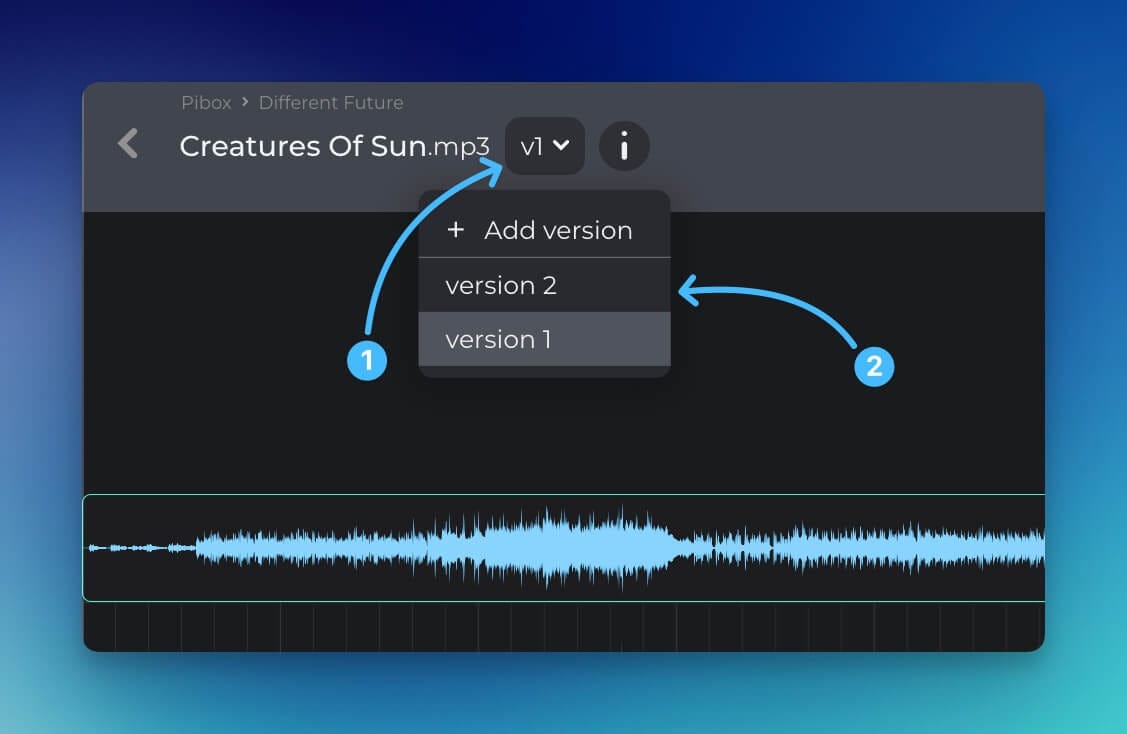
Keep every version that was sent for review, and only those. Internal work-in-progress exports do not need to survive; anything a stakeholder has actually seen does, because it is the reference point for what they agreed to. When a client says "we approved the version with the wider shot," you need that file, and you need it labelled.
What is worth recording alongside each version:
- What changed since the previous one, in one line. Not a changelog, a sentence.
- Who asked for the change.
- Which version was shown to whom, and when.
- Which version is approved, and by whom.
That is four facts. Teams that record them close projects faster than teams with the most sophisticated tooling and no discipline.
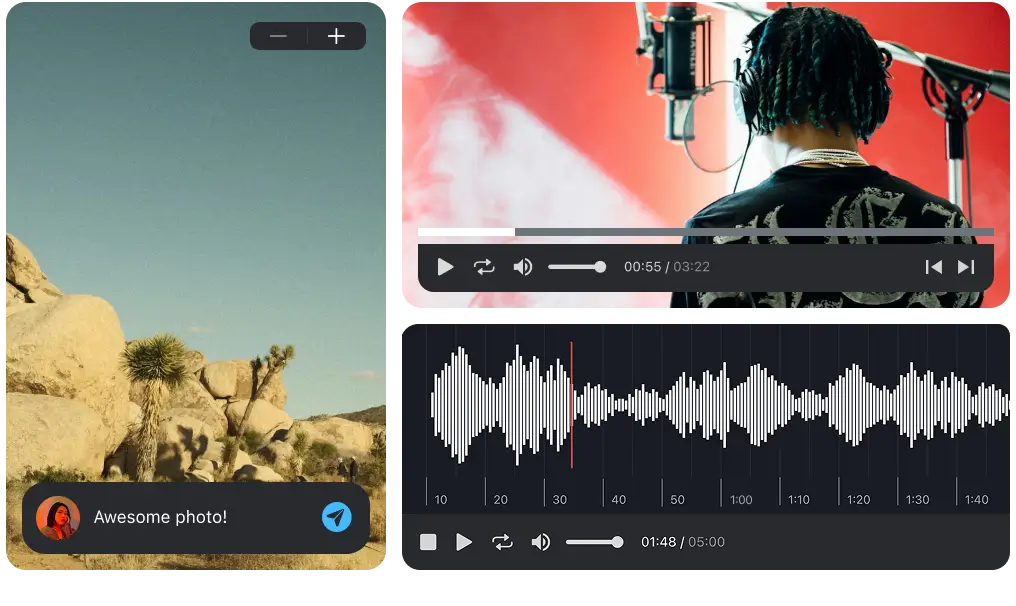
Easier, faster way to collaborate in real-time, collect feedback, manage reviews, share, and finish your projects effortlessly.
Handing off to a client
The single biggest source of friction is not the video, it is what surrounds it.
Do not require an account. Clients and their legal teams will not create logins to leave one comment. If yours requires it, notes will arrive by email and your review record will be incomplete from the start.
Send one link, one version, one question. A folder of options invites a discussion about options. If you genuinely need a choice between two cuts, say so explicitly and label them.
Make comments frame-accurate. "The transition near the beginning feels abrupt" costs somebody five minutes of scrubbing. A note pinned at 00:14 costs nothing. Across twenty notes that is the difference between an hour and an afternoon. We wrote about this in more detail in our guide to tools to comment on audio; the principle is identical for video.
Set a deadline on the review, not just the delivery. "Notes by Thursday" is a request people can meet. "Let us know what you think" is not.
Handing off to a contractor
The mirror image, and the one teams get wrong later, at more cost.
When a freelancer delivers, you want the work and its context: the versions that were reviewed, the notes that produced the current cut, the source material. What usually arrives is a single export and a link that expires. Six months on, when someone wants a cutdown, the project has to be rebuilt from the finished file.
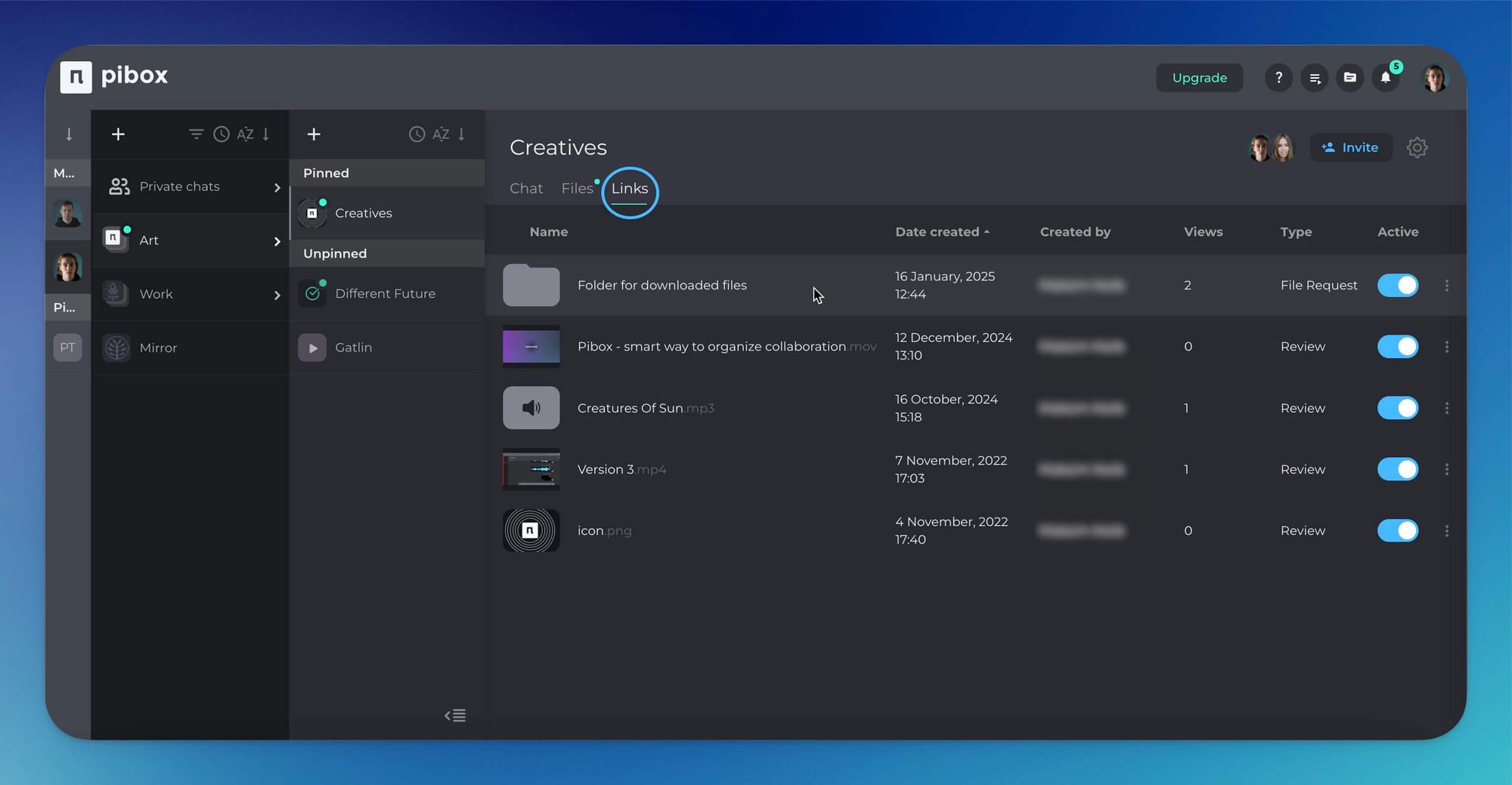
Give contractors scoped access rather than a copy of everything. They should reach the project they are working on and nothing else, and their output should land back in the same place, in the same version chain, rather than in an inbox.
Where this differs from creative approval generally
Video adds three constraints that document and image workflows do not have.
Time-based feedback. Notes attach to moments. A tool that cannot pin a comment to a timecode is making somebody do that work by hand.
File weight. Review copies are large. If reviewing means downloading four gigabytes, review happens late and on the wrong device. Streaming playback of the review version is not a luxury feature.
Distance from the edit. The work is made in Premiere, Resolve, Pro Tools or Nuendo, and reviewed somewhere else. Every step of separation between those two places adds delay. This is why plugin and integration support matters more in video and audio than the feature comparison suggests.
If you want the broader category rather than the video-specific case, we covered how to evaluate it in creative approval software, and the questions to ask a vendor in nine questions before you choose a platform.
Where Pibox fits
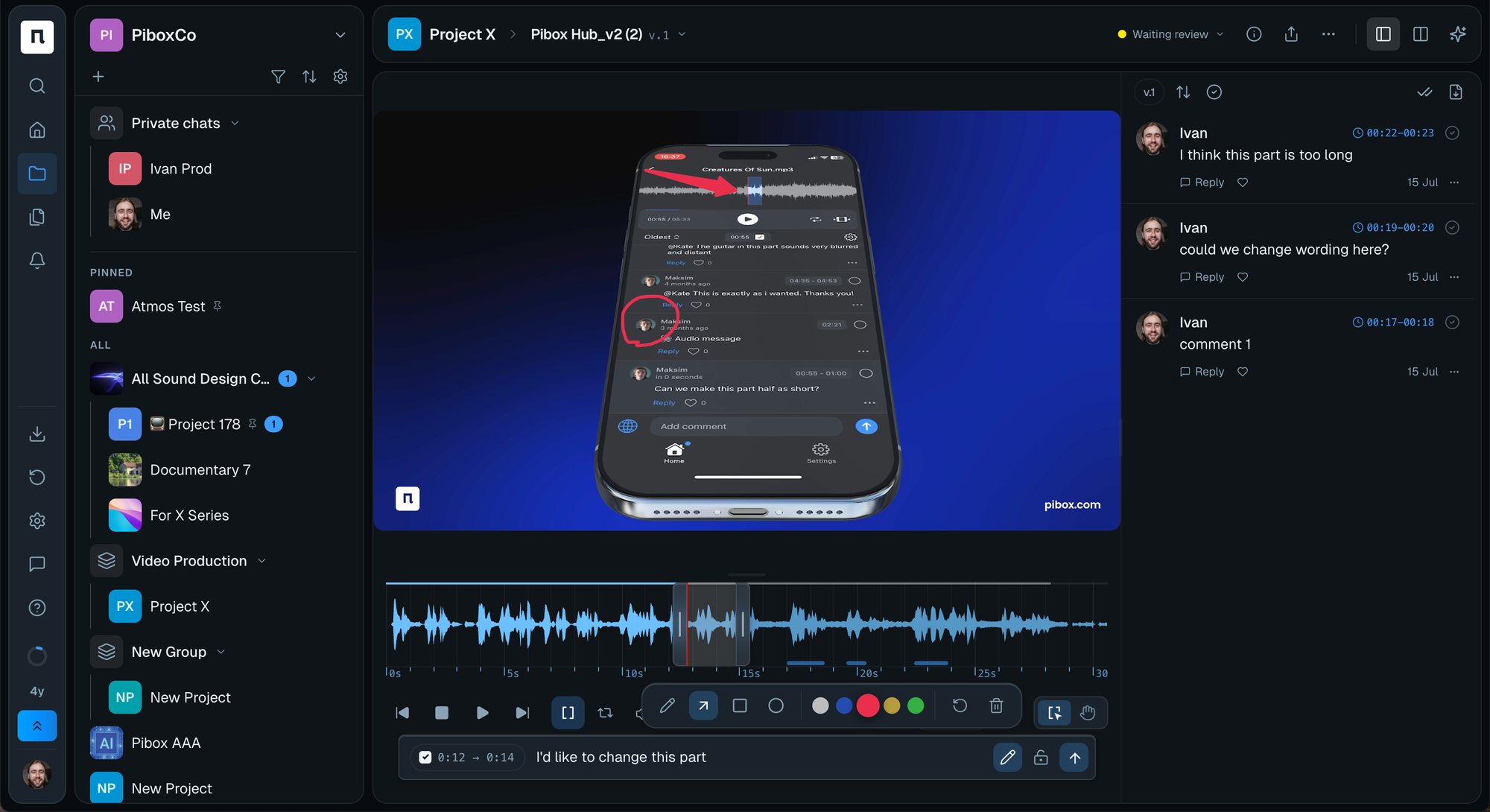
Pibox is built around this workflow rather than around storage. File status tracking gives you the five states, version control keeps the chain intact, comments attach to the moment they refer to, and file-request links let people outside the team send material in without an account. A cross-project view shows what is waiting on your review, so the queue is visible rather than assumed. Plugins are available for Pro Tools (AAX) and for Cubase and Nuendo (VST3) on macOS 12+ and Windows 10–11, keeping review next to the session. Studios and production companies including Bleeding Fingers, Universal and Epidemic Sound use it for exactly this.
If you are choosing between platforms, our Frame.io review and alternatives compares the options in detail.
Ready to try it on a live project? Create a free Pibox workspace and move one in-flight review into it. That is enough to see whether the process holds.
Start here
Take your current project and write down the five states with a name next to each. If any state has no owner, or if two people are listed as approver, you have found your bottleneck before you have spent anything on software.


