


Every guide to AI video workflow describes the same thing: which model to use, what to chain it to, how to get from prompt to published clip. The stack. And the stack is genuinely the easy part now; there are a dozen good tools and they all work.
What none of them describe is the part that breaks. Not the generation. The forty-eight hours after it, when a client asks for the version with the different jacket, a producer needs to know what the campaign cost, and someone's lawyer wants to know where a frame came from.
This is a guide to that half of the workflow. It assumes you already have tools you like for making the material.
The stack everyone lists
Briefly, for orientation, because the shape matters for what follows.
A typical generative video pipeline in 2026 runs: reference gathering, prompt and image generation, image-to-video, assembly and edit, sound, delivery. Some teams run this inside a node-based canvas that holds several models in one graph. Others chain separate tools by hand. Some automate the whole path.
All of these work. They also share one property that is easy to miss: they are optimised for the hour you are generating, and they hold no memory of the three months afterwards. The graph autosaves. The outputs land in a downloads folder. What the graph knew, meaning which reference produced which frame, which seed, which model version, stays in the graph, if it stays anywhere.
That is fine when you are experimenting alone. It stops being fine the moment a second person or a client is involved.
The part nobody lists: after the node
Five things go wrong, consistently, and none of them are generation problems.
You cannot find the take that worked. Three hundred outputs from an overnight run, named by timestamp. The one everyone liked is in there. Finding it costs more than regenerating it, so teams regenerate, and pay twice for something they already had.
The regenerated version is not the same. Different seed, sometimes a quietly updated model. Close enough to look like the same shot, different enough that a client who approved the first one notices.
Nobody knows what it cost. Credits are consumed per generation, including the failures and the ones that hung. At the end of a campaign there is a total and no breakdown by scene, so the next quote is a guess.
The prompt is gone. It lived in a canvas someone has since rearranged, or in a chat window, or in a spreadsheet that was accurate for the first week. Reproducing the look next month means reverse-engineering it.
Nobody can answer where a frame came from. This used to be a curiosity. As of 2 August 2026, Article 50 of the EU AI Act requires that output from generative AI systems be marked in a machine-readable way and detectable as artificially generated; California's SB 942 carries parallel disclosure duties. Separately, several distribution platforms now expect content credentials on upload. Whatever your own exposure, the operational consequence is that provenance is now a question asked during delivery, by people who can stop it.
None of these are solved by a better model. They are solved by keeping a record.
Naming, versions and the spreadsheet problem
Almost every team working generatively has a spreadsheet. It maps outputs to prompts, or scenes to approved takes, or credits to projects. It is accurate for about ten days.
The reason it fails is not discipline. It is that the spreadsheet is a second system that has to be updated by hand every time the first system produces something, and generation produces a lot, fast, often overnight while nobody is watching.
What replaces it is metadata attached to the asset itself. At minimum, travelling with each output:
- the prompt that produced it
- the model and version
- the seed, where the tool exposes one
- the source references it was built from
- the licence status of those references
- which scene or shot it belongs to
If those six facts live on the file, the spreadsheet becomes unnecessary. If they live anywhere else, they will drift.
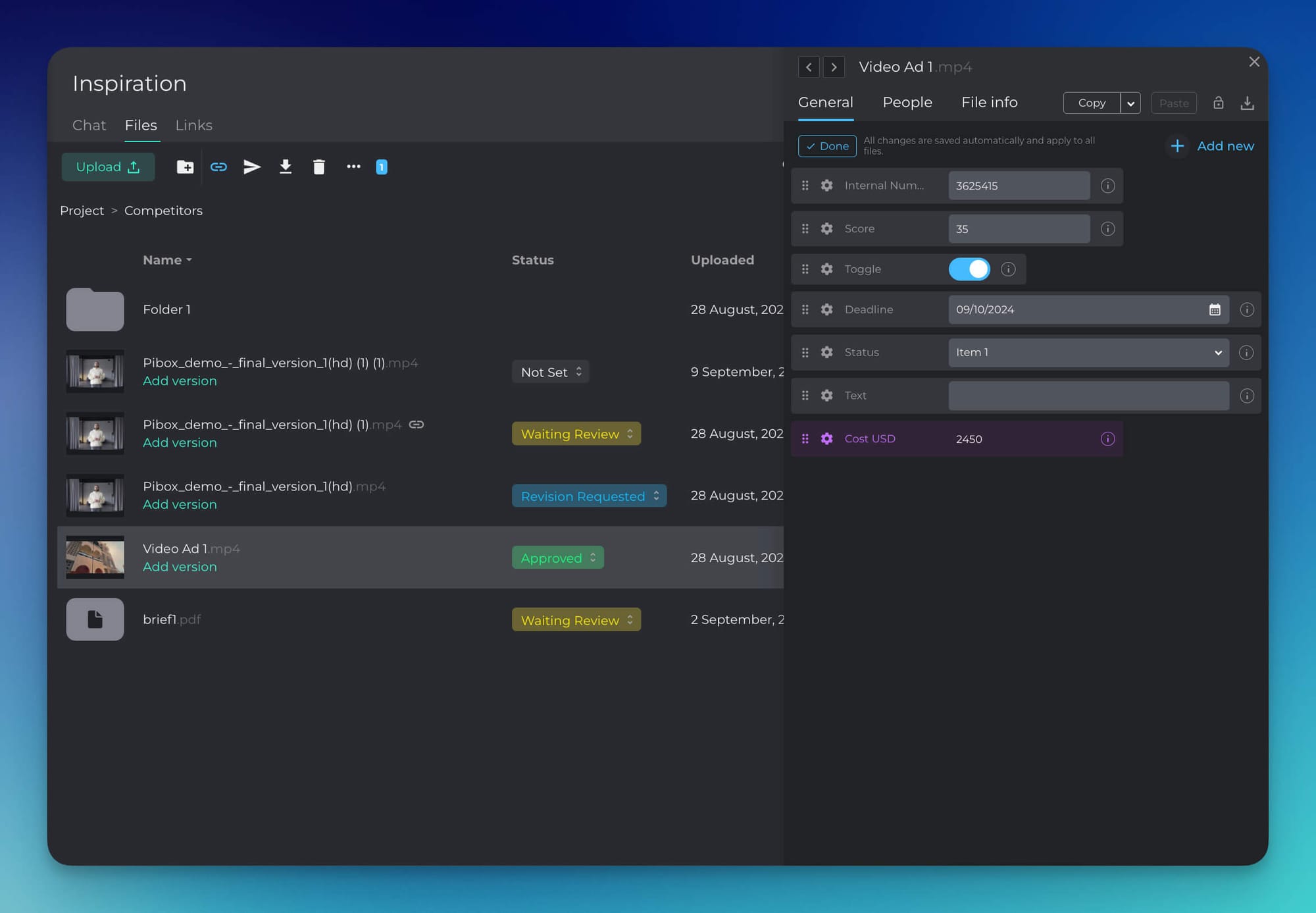
A practical intermediate step, if your generation tool has no export hook: designate one landing place and move outputs into it in batches, with the prompt pasted in at the same time. Crude, but it survives contact with a deadline better than a naming convention.
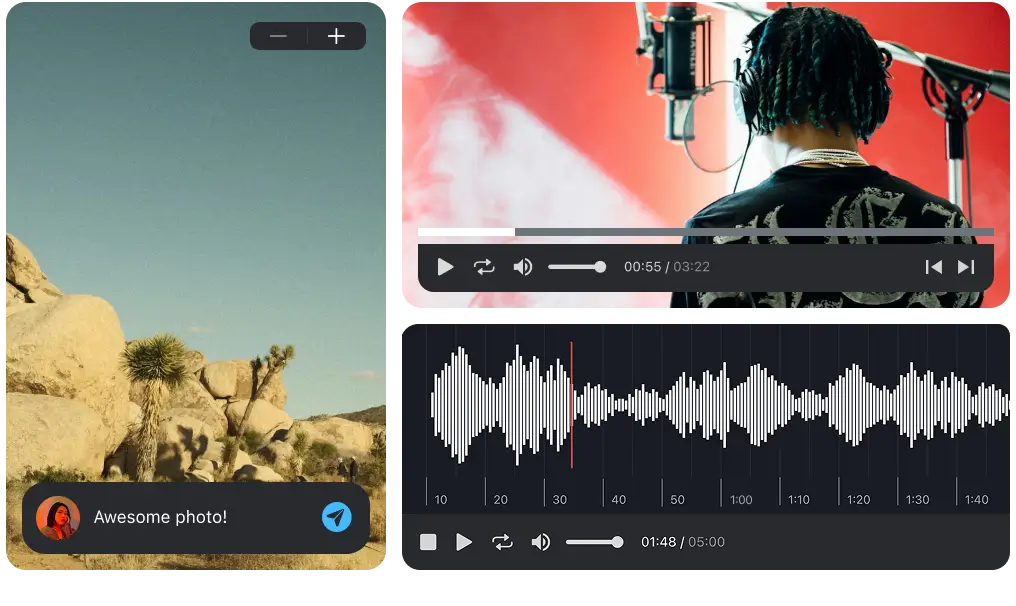
Easier, faster way to collaborate in real-time, collect feedback, manage reviews, share, and finish your projects effortlessly.
Getting a variant approved
This is where a generative workflow diverges most sharply from a traditional one, and where most teams improvise.
Conventional review moves one deliverable forward through rounds. Generative review starts with a set of siblings and narrows it. The reviewer is not asking "is this finished," they are asking "which of these, and why not the other one."
Three things make that workable:
Show candidates side by side, not sequentially. Opening nine files in turn produces a decision nobody can defend an hour later.
Record the choice against the specific variant, not the project. "Approved" on a folder means nothing when the folder has nine things in it.
Keep the rejected siblings. They are the evidence of what was considered, and they are what you show when someone asks whether an alternative was explored. Deleting them saves storage and costs you the argument.
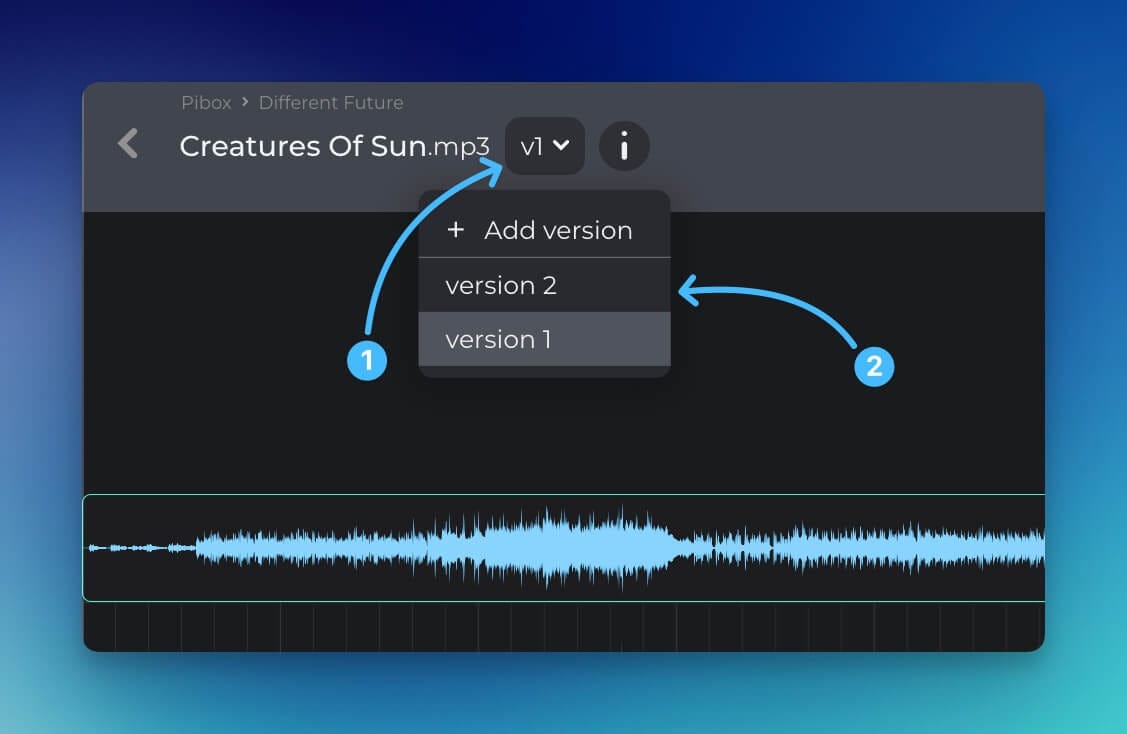
For the review mechanics themselves, meaning states, roles and rounds, we set that out in video review and approval. The generative case adds variants; it does not change the underlying process.
What to keep when a model is deprecated
Models get retired and updated. When that happens, an asset either can be rebuilt or it cannot.
Worth knowing which, before a client asks for a change to a nine-month-old campaign. The test is whether you still hold the prompt, the model version, the seed and the input references. If you hold all four, the asset is reproducible. If you hold two, you are re-creating it from scratch and charging someone for the second attempt.
This is also the honest answer to why provenance records matter beyond compliance: they are the difference between a campaign you can extend and a campaign you can only re-shoot.
Where Pibox fits
Pibox is not a generation tool and does not try to be. We have no models and no opinion about which canvas you should use. What we do is the layer after it: storage with version control, metadata tagging on assets, comments tied to the moment they refer to, file status tracking through review and approval, file-request links so contributors and contractors can send material in without an account, and a cross-project view of what is waiting on your review. Plugins are available for Pro Tools (AAX) and for Cubase and Nuendo (VST3) on macOS 12+ and Windows 10–11. Studios and production companies including Bleeding Fingers, Universal and Epidemic Sound use it to keep material and decisions together.
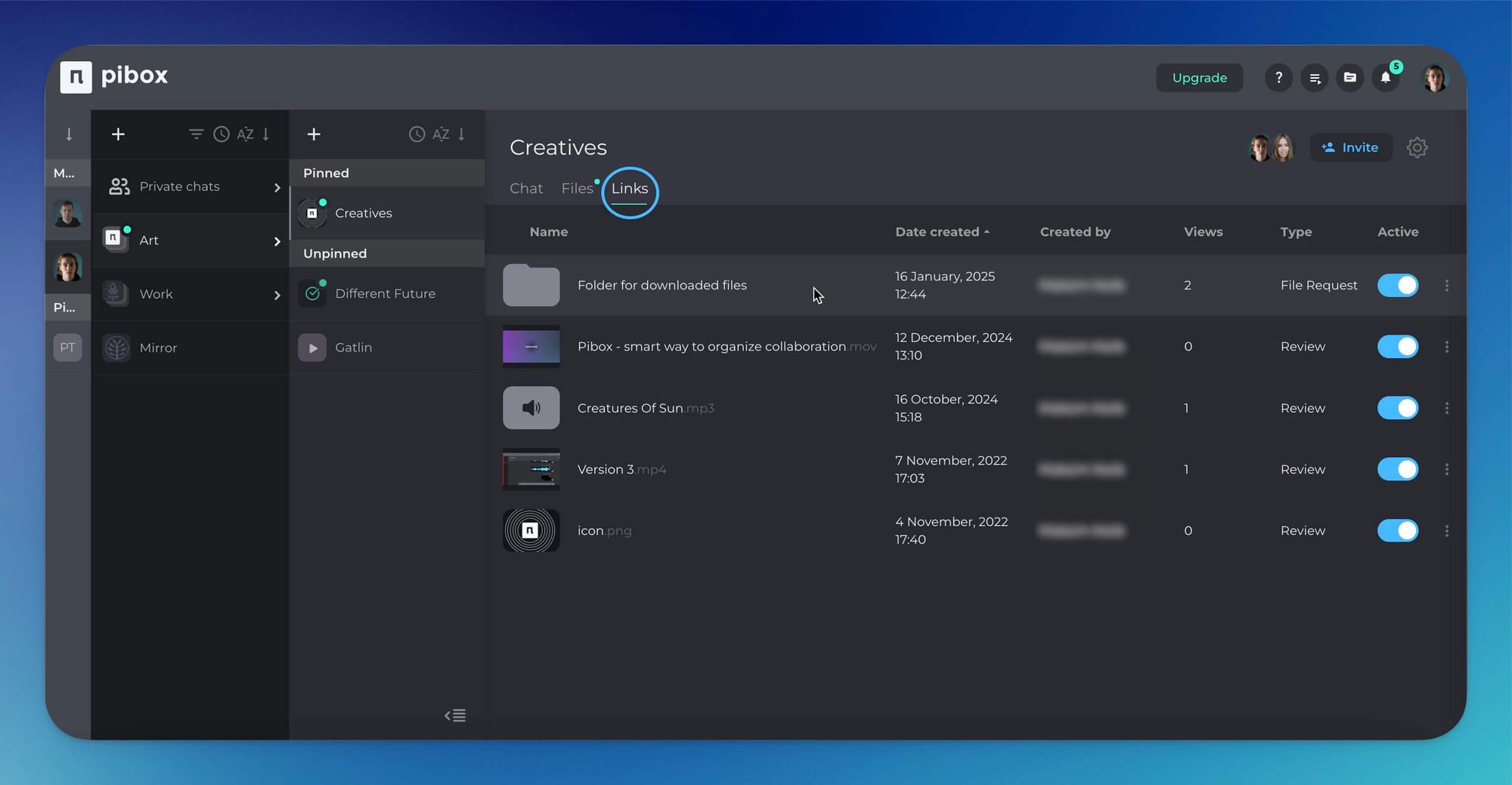
If the generated material in your last project ended up in a downloads folder with a spreadsheet next to it, create a free Pibox workspace and route one scene's worth of output into it instead.
A test you can run today
Open your most recent generative project. Pick the shot the client approved and answer four questions: what prompt made it, which model, what did that scene cost, and where are the eight variants you rejected.
Four answers means your workflow is complete. Two means the generation half is solved and the other half is still a folder.


