


A project can pass three rounds of creative review and still go out with the wrong logo lockup, a misspelled name in a lower third, or audio that clips on the last beat. Not because anyone was careless, but because review and proofing are different jobs, and most teams only do the first one.
Review asks "is this good." Proofing asks "is this correct." You can answer yes to the first and no to the second, and the second is what gets noticed after delivery.
This is what proofing involves, how it differs from review, and what to look for in software that supports it.
Proofing is not review
The distinction is practical rather than semantic.
Review is creative and open-ended. Does the edit work, is the pacing right, does it deliver the brief. Feedback is a discussion, participants have opinions, and reasonable people disagree.
Proofing is a verification pass against a specification. Are the legal lines present and correct, does the logo match the brand guidelines, is the runtime exactly what the platform requires, are the names spelled the way the client spells them, are the audio levels within spec. There are no opinions. Each item is either right or wrong.
The failure pattern is treating the second as a subset of the first. In a creative review, someone mentions the lower third looks slightly off and the conversation moves on to the transition. Nobody goes back to check the spelling, because checking spelling was not what the meeting was for.
Proofing needs its own pass, its own checklist and, ideally, a different person.
What a proofing pass covers
Six categories. Most teams discover them one at a time, by getting each one wrong once.
Text on screen. Names, titles, legal lines, disclaimers, dates, URLs, prices. Check against a source document, not against memory. This is where most post-delivery corrections come from.
Brand compliance. Logo version, clear space, colour values, approved typeface, correct product naming. Brands maintain guidelines precisely so this is checkable rather than debatable.
Technical specification. Duration to the frame, resolution, frame rate, codec, container, loudness target, caption file present and synced. Platforms reject on these mechanically, and a rejection two hours before a launch is a bad afternoon.
Rights and clearances. Music licensed for the territory and duration, talent releases signed, stock licences appropriate for the usage, fonts licensed for broadcast. Each of these is a document somebody has to be able to produce.
Versions and deliverables. Every cutdown present, every aspect ratio, every language variant, each one derived from the approved master rather than from an earlier version. This is where multi-deliverable campaigns come apart.
Consistency across the set. If there are nine cutdowns, the legal line should be identical in all nine. Automated checking helps here; human attention degrades fast across near-identical files.
What proofing software should give you
Five things. Two of them are non-negotiable.
A checklist attached to the asset, not to a person. If the checklist lives in someone's notebook, proofing does not happen when they are away. The list should be visible on the project and its state should be readable by anyone.
Frame-accurate annotation. Proofing notes are positional: "the logo in the end card," "the caption at 00:47." A note that describes a location instead of pointing at it costs somebody a search. Non-negotiable.
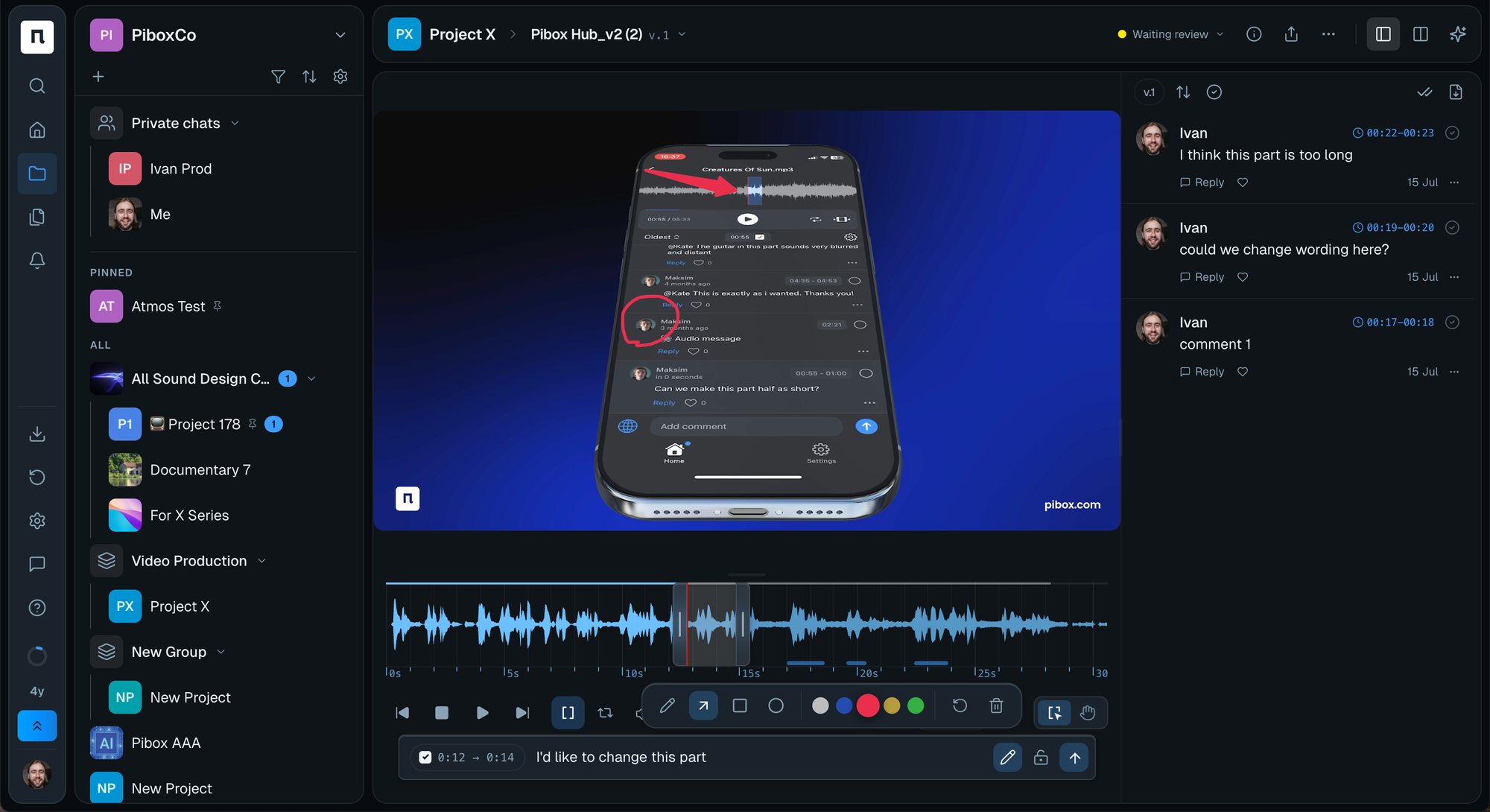
A clear separation between proofing and review rounds. They should be distinguishable states, not the same comment stream. Mixing them is how a spelling correction gets lost under a discussion about music.
A record of who verified what. Not to assign blame, but because "was the legal line checked" is a question with a real answer, and the answer should not be "probably."
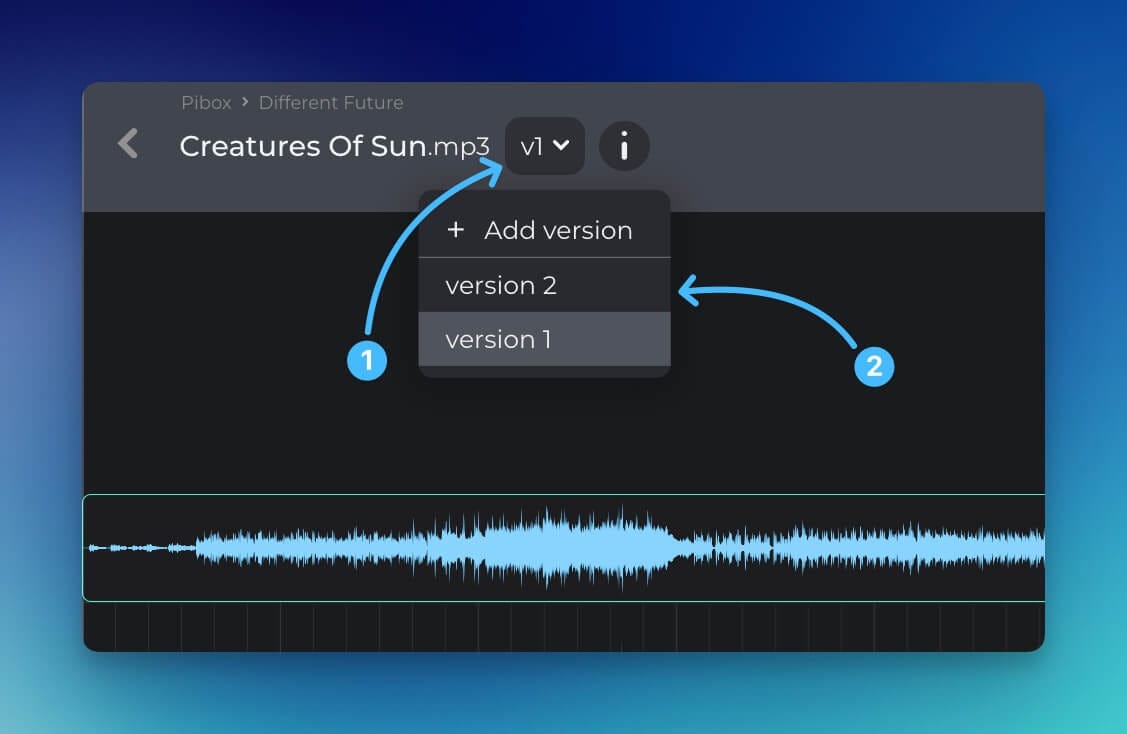
Side-by-side comparison against the approved version. For catching drift between the master and a deliverable. Non-negotiable if you produce cutdowns.
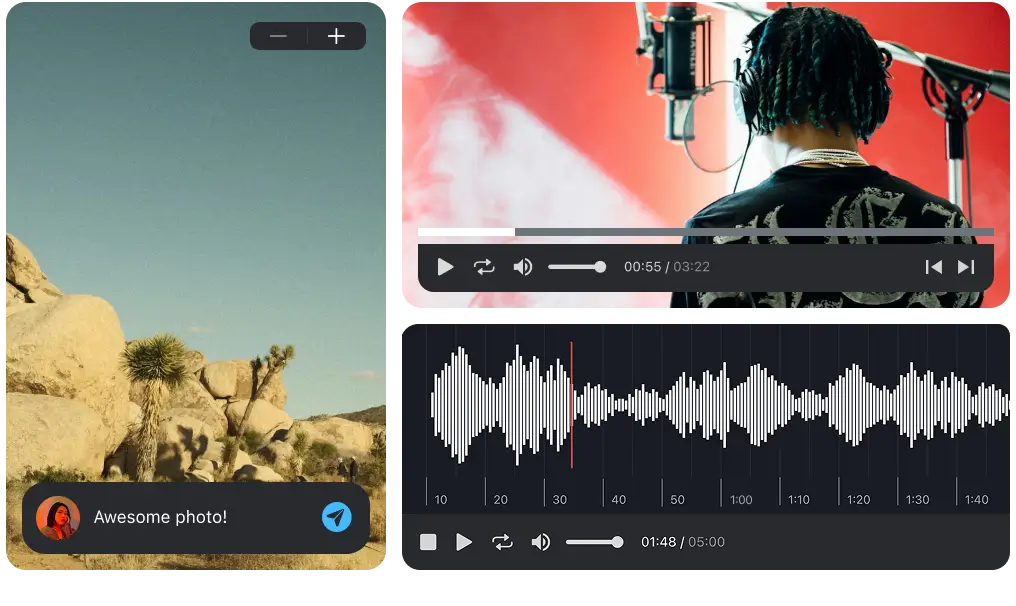
Easier, faster way to collaborate in real-time, collect feedback, manage reviews, share, and finish your projects effortlessly.
Running a proofing pass that works
Four rules that make the difference between a checklist people use and one they tick through.
Proof after approval, not during. Proofing a cut that will change is wasted work. Once the creative is signed off, the specification stops moving and verification becomes meaningful.
Use a different person from the editor. The person who made it has seen the lower third four hundred times and no longer reads it. Fresh eyes are not a luxury here, they are the mechanism.
Check against the source, not against the previous version. Copy comes from the approved document. Specs come from the platform's requirements. Comparing against the last export propagates whatever was wrong in it.
Proof each deliverable, not just the master. The master is correct and the vertical cutdown has a cropped logo. Proofing the master and shipping nine variants is proofing one ninth of the delivery.
One note on volume: teams producing high numbers of variants, increasingly common where material is generated rather than shot, cannot proof every one at full depth. The workable compromise is full proofing of the master plus a fixed short-form check on each derived deliverable, with the consistency items automated where possible.
Where Pibox fits
Pibox supports the proofing pass as a distinct stage rather than as more comments. File status tracking separates review from final verification, comments attach to the exact moment they refer to, version control lets you compare a deliverable against the approved master, and metadata tagging holds the specification and rights information alongside the file rather than in a separate document. Guest access via file-request links means a client or a legal reviewer can complete their check without an account. Plugins are available for Pro Tools (AAX) and for Cubase and Nuendo (VST3) on macOS 12+ and Windows 10–11. Studios and production companies including Bleeding Fingers, Universal and Epidemic Sound use Pibox in production.
For the review stage that comes before this, see video review and approval. For the wider tooling question, see video collaboration software.
Create a free Pibox workspace and run one delivery through a separate proofing stage. The difference shows up on the first project.
Build your checklist from your own history
The most useful proofing checklist is not a template. Take the last ten things a client asked you to fix after delivery and turn each one into a line item. That list is specific to your work, your clients and your platforms, and it will catch more than anything generic.


