


Search for video collaboration software and you will get two completely different product categories in one list. Half the results are about working together on video files. The other half are about talking to each other over video.
They share a word and nothing else. Buying from the wrong half is the most common and most expensive mistake in this category, and it happens because the search results themselves are mixed up.
This guide covers the first kind: software for teams who make video and need to work on it together, reviewing, versioning, commenting, approving, delivering. If you need Zoom, this is not that.
Collaboration is not conferencing
The distinction is simple once stated.
Video conferencing is synchronous. Everyone is present at the same time, the video is of people's faces, and nothing is produced. Zoom, Teams, Google Meet. Value is in the meeting.
Video collaboration is asynchronous. People work at different times in different places, the video is the deliverable, and something is produced. Value is in the material and the record around it.
There is a genuine middle ground in live remote review sessions, where a team watches a cut together in real time. That is useful for creative direction. It is not a substitute for the asynchronous layer, because a live session produces decisions and no record of them, unless somebody writes them down afterwards. Most teams that rely only on live review end up with notes in a text file.
If a tool's homepage talks about meetings, participants and screen sharing, it belongs to the first category. If it talks about versions, comments, and approvals, it belongs here.
What video collaboration software actually does
Five jobs. A tool that does two of them is a partial solution, and you will notice which three are missing within a month.
Holds the material where everyone can reach it. One location, current version obvious. This is the part shared drives do well and it is why so many teams stop here, and then discover the other four jobs are what they were actually missing.
Plays it without a download. If reviewing means waiting for four gigabytes, review happens late, on the wrong device, or not at all. Streaming playback of a review copy is foundational, not a convenience.
Captures feedback against the timeline. A note that says "the cut near the start feels abrupt" makes somebody hunt for it. A note pinned at 00:14 does not. Multiply by twenty notes per round and this is the difference between an hour and an afternoon.
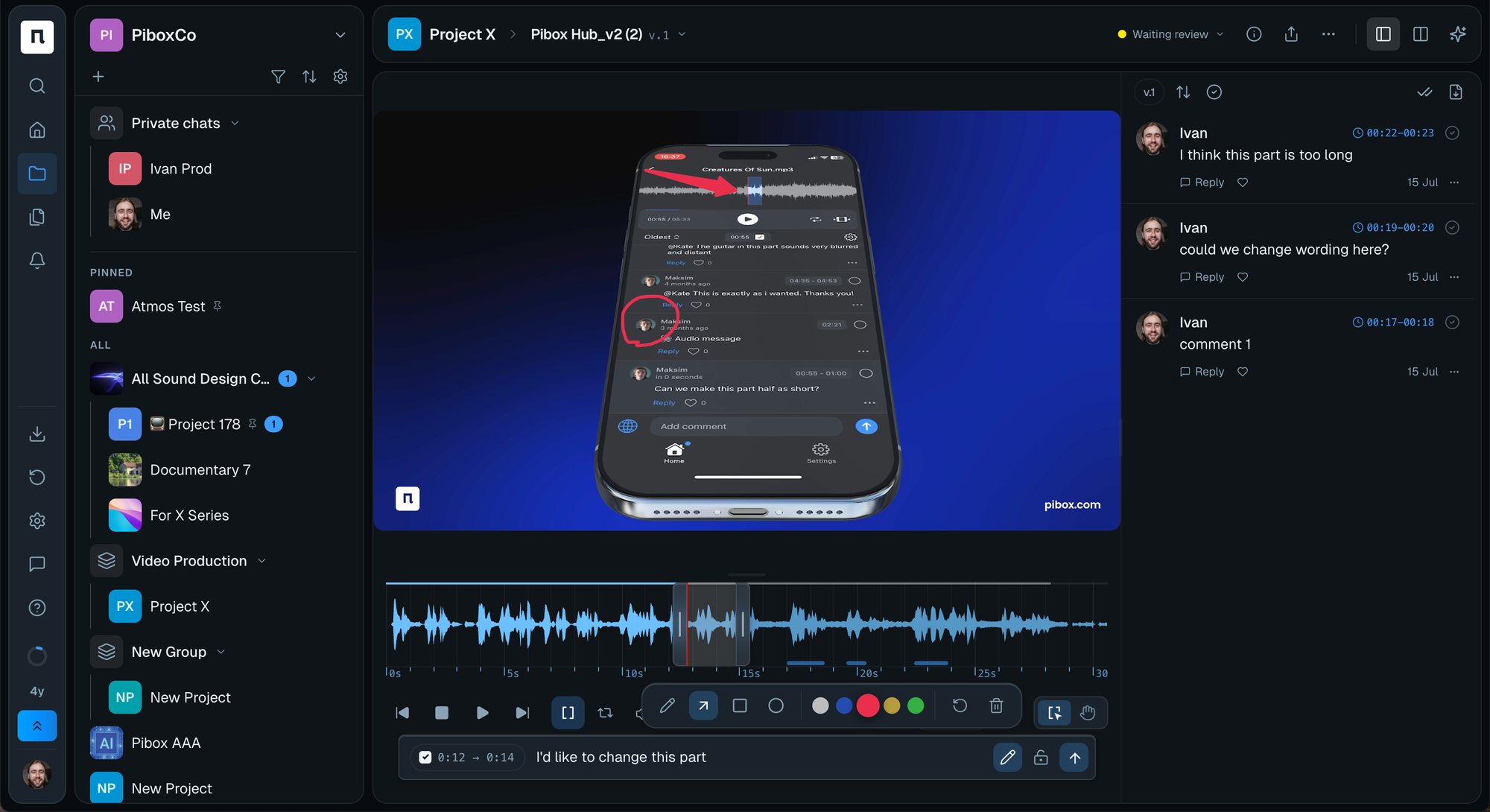
Tracks versions as a chain. Not a folder of files ending in _v3_final_REAL. You need to see what came after what, and what changed between them.
Records decisions. Who approved which version, and when. This is the job most often left to chat, and the one you miss six months later when somebody asks why.
The part most comparisons skip: volume
Every buying guide in this category was written for a workflow that no longer describes many teams.
The assumption underneath most of these tools is that a project contains a handful of versions moving forward in sequence. Increasingly a project contains dozens of candidate takes and variants, generated or shot, that have to be narrowed down rather than progressed. Reviewers are not asking "is this right yet," they are asking "which of these is the one."
That changes what you need from a tool. Side-by-side comparison matters more than a linear version history. Search across a project matters more than folder structure. And a status per asset matters more than a status per project, because half the material will never go anywhere.
You do not need to solve for this if your projects are three cuts and a client call. If your last project had forty options in it, weigh comparison and search heavily.
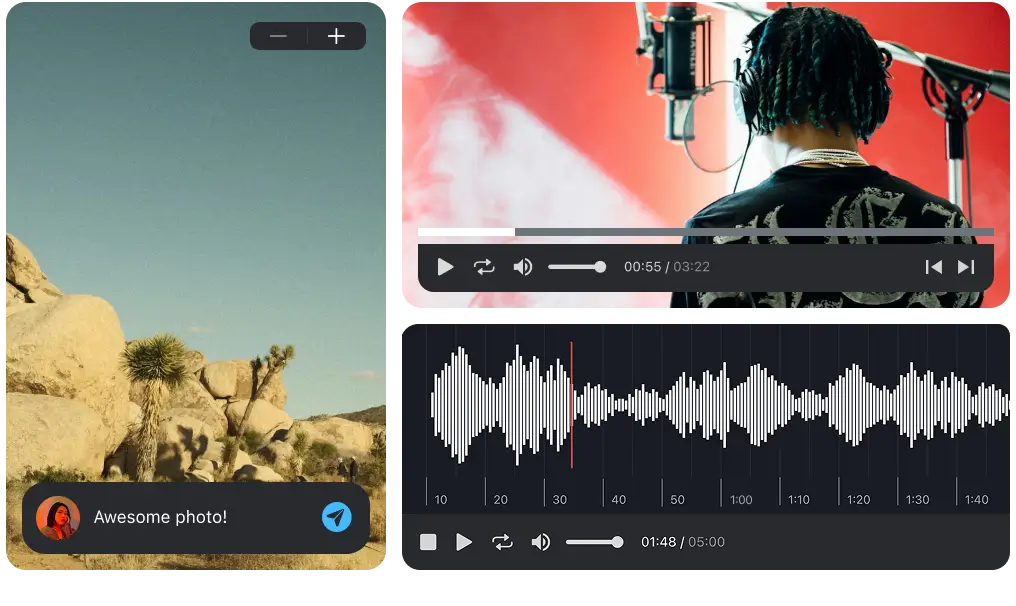
Easier, faster way to collaborate in real-time, collect feedback, manage reviews, share, and finish your projects effortlessly.
How to evaluate a tool
Six questions, in the order that will save you the most time.
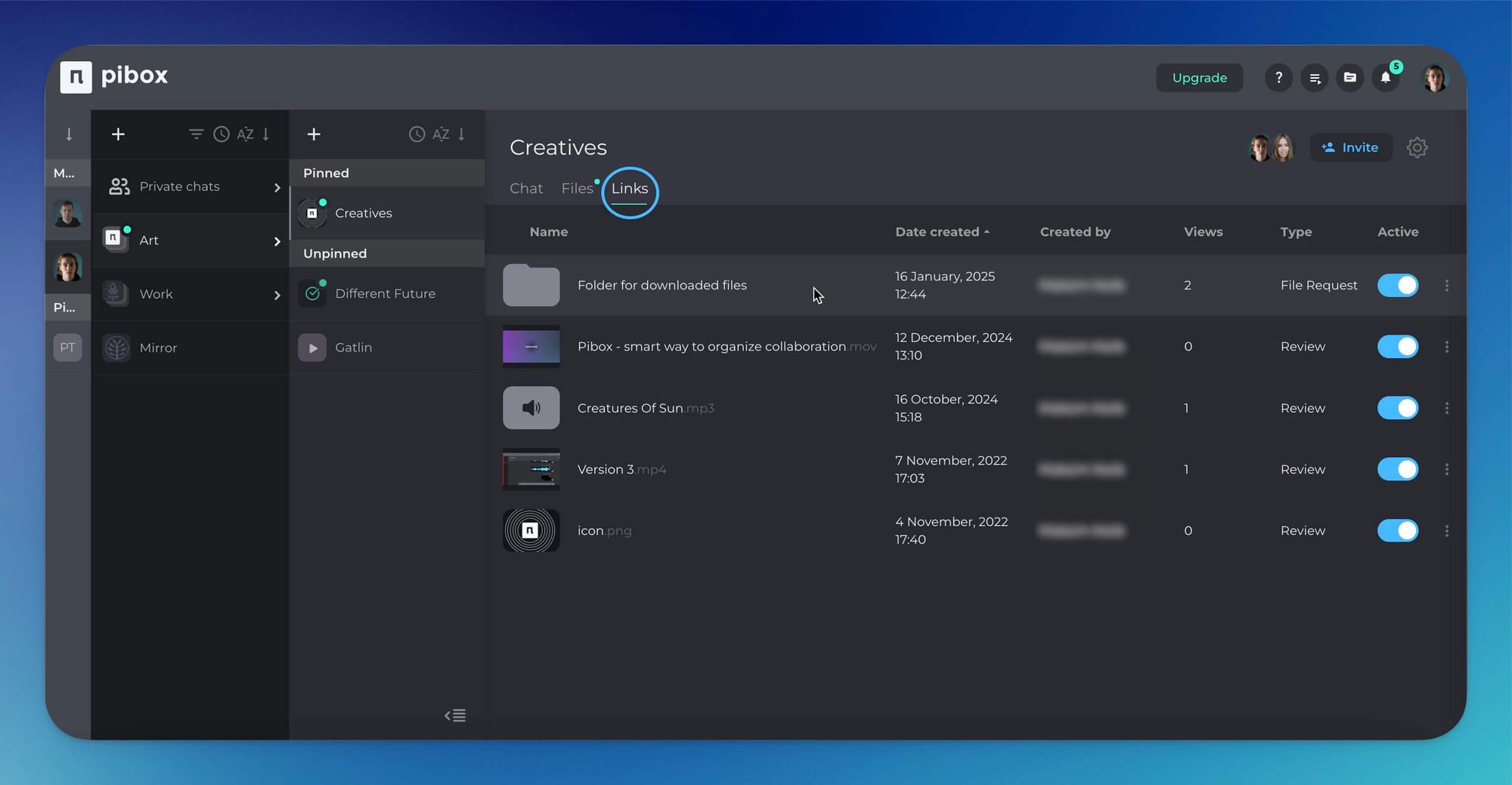
1. Can someone outside your company use it without an account? Clients and freelancers will not create logins to leave one comment. If they must, feedback will arrive by email and your collaboration tool becomes an archive of decisions made elsewhere. This one question eliminates more candidates than any other.
2. Does it sit near where the work is made? The edit happens in Premiere, Resolve, Pro Tools or Nuendo. Every step of separation between the editing environment and the review environment adds delay. Integrations and plugins matter more here than a feature table suggests.
3. What happens to a project when it is finished? Some tools are excellent during production and useless as a record. If archive access requires an active seat, you are renting your own history.
4. Is the current version obvious to someone who just arrived? Hand it to a producer who has never opened it. If they cannot tell within ten seconds which cut is live, neither will your client.
5. How does material come in? Not just out. Contributors send footage, stems, stills. If ingest means "email me a WeTransfer link," you have a gap where things get lost.
6. What does it cost per viewer? Many tools price by seat and then charge for people who only watch. Count your actual reviewers, including the client's legal team, before comparing prices.
A longer version of this checklist, with a test you can run in a trial for each item, is in nine questions to ask before you choose a platform.
Matching the tool to the team
Solo or two-person studio. Guest access and timecode comments. Nothing with a permissions matrix, because the setup cost will kill it in week two.
Agency delivering to clients. External review rounds separated from internal ones, plus a clear audit trail. Your bottleneck is the sign-off, not the edit.
Post-production house. Integration with the editing environment, streaming review of large files, and a version chain you can trust under pressure.
In-house brand team. Ingest from contractors and a record that survives staff turnover. You will be reusing this material in eighteen months.
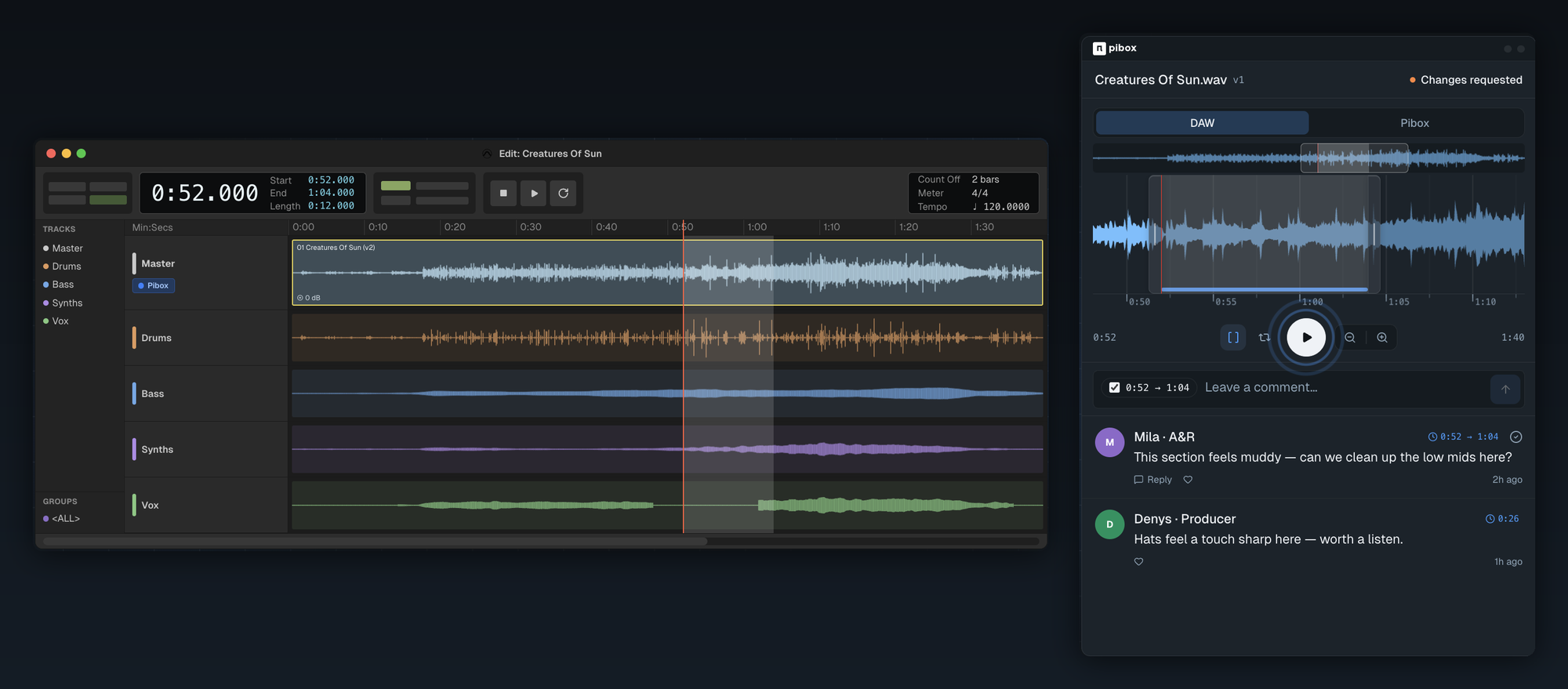
Audio-led teams. Waveform-accurate commenting, stems handling, and plugin access from the session. General video tools handle audio as an afterthought, and it shows.
Where Pibox fits
Pibox is a media collaboration platform for teams working on video and audio together. Streaming playback without downloads, version control, comments tied to the moment they refer to, file status tracking, metadata tagging, and file-request links so contributors can send material in without an account. A cross-project view shows what is waiting on your review. Plugins are available for Pro Tools (AAX) and for Cubase and Nuendo (VST3) on macOS 12+ and Windows 10–11, so review sits next to the session rather than in a separate tab. Studios and production companies including Bleeding Fingers, Universal and Epidemic Sound use it in production.
For the review process itself rather than the tooling, see our guide to video review and approval. If you are comparing specific platforms, we go into detail in Frame.io review and alternatives and Dropbox Replay vs Frame.io.
Create a free Pibox workspace and move one live project in. A single review round is enough to tell whether it fits.
Before you compare prices
Write down how many people will touch your next project, and how many of them work at your company. If the second number is much smaller than the first, guest access is your deciding feature and most of the comparison table is noise.


